

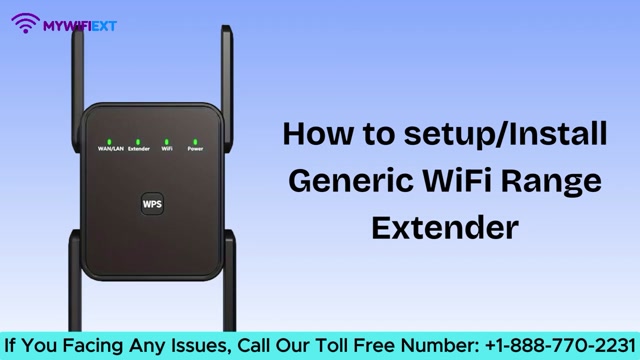
How to Setup a WiFi Range Extender Using WPS Easy WiFi Extender Setup_720p

Having trouble with weak WiFi signals? 📶 In this video, we'll show you how to setup and install a Generic WiFi Range Extender using the WPS button. Follow this simple step-by-step guide to connect your WiFi extender to your existing router and improve your wireless coverage. ✅ Connect WiFi Extender Using WPS ✅ Setup Generic WiFi Range Extender ✅ Pair Extender With Router ✅ Fix Weak WiFi Signal ✅ Extend WiFi Coverage ✅ Easy WiFi Extender Installation Steps covered in this video: Plug in your WiFi range extender. Press and hold the WPS button on your router for 2–3 seconds. Within 2 minutes, press and hold the WPS button on the extender for 2–3 seconds. Wait for the extender's WPS light to become stable. Connect your phone, laptop, or other device to the extended WiFi network. If this tutorial helped you, Like 👍, Subscribe 🔔, and Share for more WiFi setup and troubleshooting guides. #WiFiExtender #WiFiRangeExtender #WiFiSetup #WiFiBooster #WPSSetup #WiFiRepeater #InternetSetup #WiFiTroubleshooting #WirelessNetwork #TechSupport #WiFi
0 Comments
Comments live in community threads. Post this video to a community to start the conversation.