
Professional AI Workflows for Local Orchestration

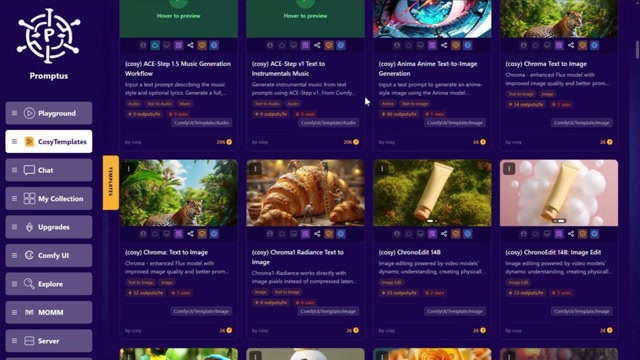
Three production-grade workflows demonstrated in this video: https://youtu.be/ovfEBmyNj08 Workflows Included 1. Flux Outpaint Context-aware image expansion that preserves original composition, lighting, and style. Try it now: https://logi.promptus.ai/pwa_demo/#/cosyflows/116195233f2fa1ec5be4c0d12ce21799 2. Qwen Style Transfer (Illustration → Realism) 1:1 style translation using Qwen's vision model for surgical precision. Try it now: https://login.promptus.ai/pwa_demo/#/cosyflows/6e34c1a9f83d3de57ecd85ffd57acb8a 3. INFL8 Material Physics Technical material manipulation with LoRA-controlled inflation effects. Try it now: https://login.promptus.ai/pwa_demo/#/cosyflows/1838bc3ca2a41a9a405929dea7dc4beb Running Locally These workflows work best in: - NVIDIA GPU (12GB+ VRAM) - Promptus desktop application ([Download](https://promptus.ai/download)) - Model weights (see individual workflow folders) Why Local? Cloud AI services charge per successful render—the more you iterate, the more you pay. Local orchestration inverts this: upfront hardware cost, then unlimited experimentation. For production environments where consistency and version control matter, local is the only viable path. License Promptus application: Commercial (free trial available) Learn More - [Promptus Documentation](https://promptus.ai/blog) - [Pricing](https://promptus.ai/pricing) - [Community Discord](https://discord.com/invite/gTTKzXKNay)
0 Comments
Comments live in community threads. Post this video to a community to start the conversation.