

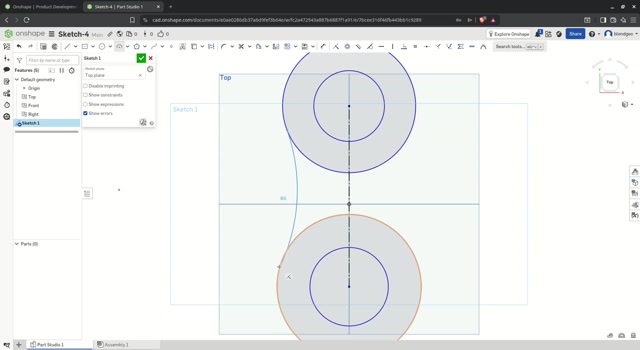
Onshape - Sketch-4
This video demonstrates how to create a technical sketch in Onshape, specifically Sketch-4, using CAD design tools. The tutorial shows the step-by-step process of drawing two concentric circles, connecting them with curved lines to form a symmetrical shape resembling an hourglass or dumbbell, and then adding dimensions and annotations for precision. The user applies geometric constraints, adjusts line types, and labels key points such as R20, R30, and R50 to define radii and distances. The final design includes dimensioned arcs and straight segments, illustrating best practices in parametric modeling within Onshape’s sketch environment. Ideal for engineers, designers, or students learning CAD software.
0 Comments
Comments live in community threads. Post this video to a community to start the conversation.