

How to hide transparency in editing rGIMP

• 8/8/2026
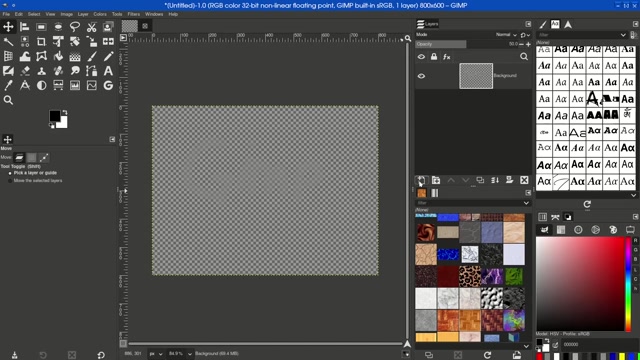
A tutorial demonstrating how to hide transparency in the GNU Image Manipulation Program (GIMP). The video shows the GIMP interface with a blank canvas, followed by steps involving layer adjustments and visual effects like scattered shapes and pink circles. The process culminates in a black background with the word "Gimp" written in white, illustrating the final result of managing transparency settings. This instructional content is aimed at users learning GIMP’s tools for image editing and graphic design.
0 Comments
Comments live in community threads. Post this video to a community to start the conversation.